AimOffset Graph
Play an AimOffset as an inline graph
UAnimGraphNode_RotationOffsetBlendSpaceGraph
FAnimNode_RotationOffsetBlendSpaceGraph
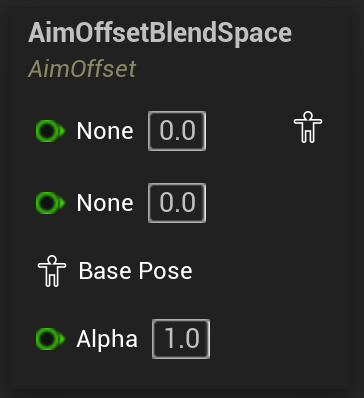
Creates an AimOffset BlendSpace that can be edited as an inline graph in the AnimBP and plays it with the provided coordinates.
Settings include all relevant data like play rate, start position and whether the animation should loop.
In the node creation menu this node shows up in its pure form without an associated AimOffset, but also for every AimOffset for the skeleton of the AnimBP in the format of “AimOffset <AimOffset>” where, if chosen, the node will have the corresponding AimOffset already assigned. Note that it just says “AimOffset”, and not “AimOffset Player”, which leads to the AimOffset Player AnimNode.
When creating a graph from an actual asset player, the graph will copy all the data to the new inline graph. After that, any modifications in the asset will not be reflected in the graph and vice versa.
On converting between player different player types
Unlike the asset-based players, the AimOffset Graph cannot be converted back to an Asset Player once it has been turned into a graph.